If you’re looking for information on how to embed your custom trained chatbot in your Wordpress website, you’re in the right place! Here’s how to add ChatGPT to a Wordpress website with Chatwith.
This guide refers to websites hosted on Wordpress.org.
Add your chatbot to your Wordpress website
Adding your chatbot to your website can be done in two steps that take just a minute!
In the Chatwith dashboard
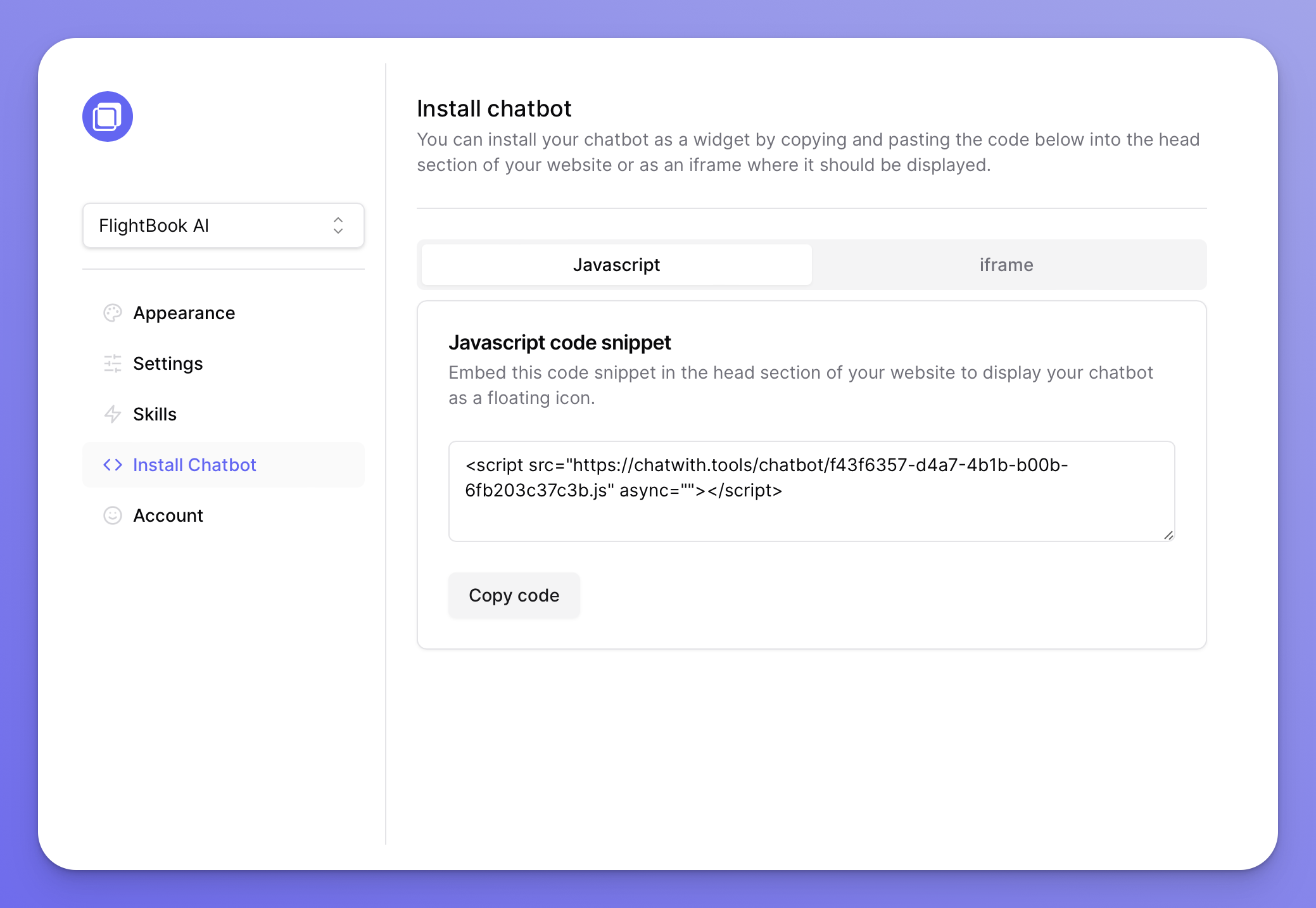
Select your chatbot from the dropdown menu at the top, click on the Install chatbot section in the sidebar, then click on the Copy code button to copy your code snippet.
In Wordpress
- Click on Pages
- Select the page you would like to have the chatbot displayed on
- At the bottom of the page, type / to bring up the block selector and choose Custom HTML
- Paste your Chatwith code snippet
- Update the page to save your changes.