If you’re looking for information on how to share your custom-trained chatbot using a link, you’re in the right place! Here’s how to get a shareable URL for your custom ChatGPT chatbot with Chatwith.
Get a shareable link to your custom ChatGPT chatbot
Getting a shareable link for your AI chatbot can be done in a few simple steps.
In the Chatwith dashboard
Select your chatbot from the dropdown menu at the top, click on the Install chatbot section in the sidebar, then click on the Copy link button in the Link section to copy your chatbot URL.
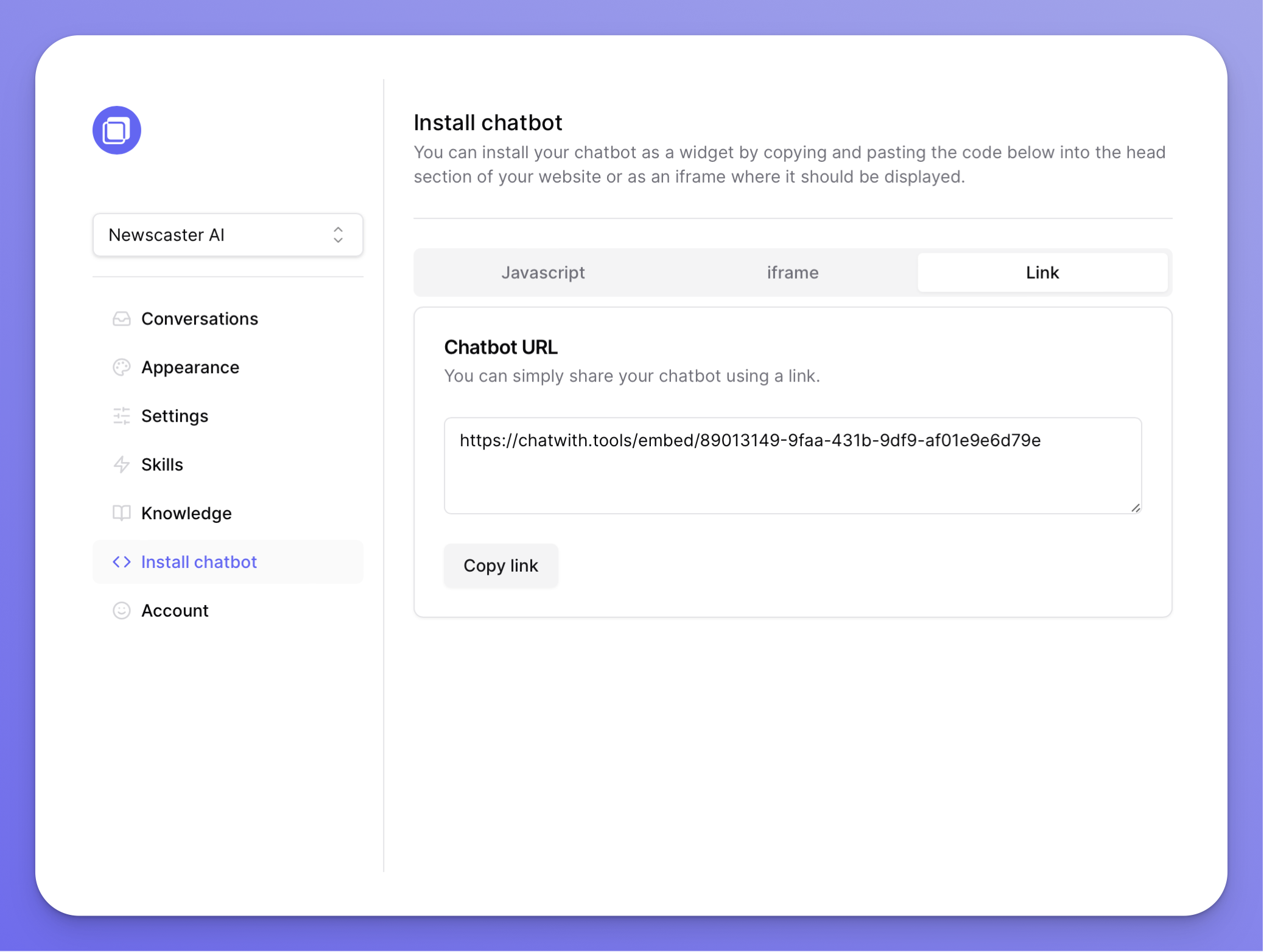
Share the link
The link is now copied in your clipboard - go ahead and share it with your customers over email, audience on social media, and more!